
Turn your learning material into a card game
Create your own learning game using words and images you choose.
Explore concepts through play
Use words, images and translations on your cards – separately or in combination.
Reading
Create a deck from words or short texts.
Useful for practising reading, spelling and familiar concepts.
Vocabulary
Add a word and a matching image for each concept. Cards can show either representation.
Useful for learning new vocabulary and connecting words with pictures.
Translation
Enter concepts in two languages. Either language can appear on the cards.
A friendly way to remember foreign-language words and review translations.
Mixed
Combine two language versions and an image for each concept.
Useful for more challenging vocabulary practice with words, translations and images.
Recognition
Create a game using only pictures.
Great for younger learners and practising visual memory and attention.
Questions and answers
Use related questions, problems and answers as card content.
Useful for reviewing arithmetic, formulas and concepts from different school subjects.
How to play
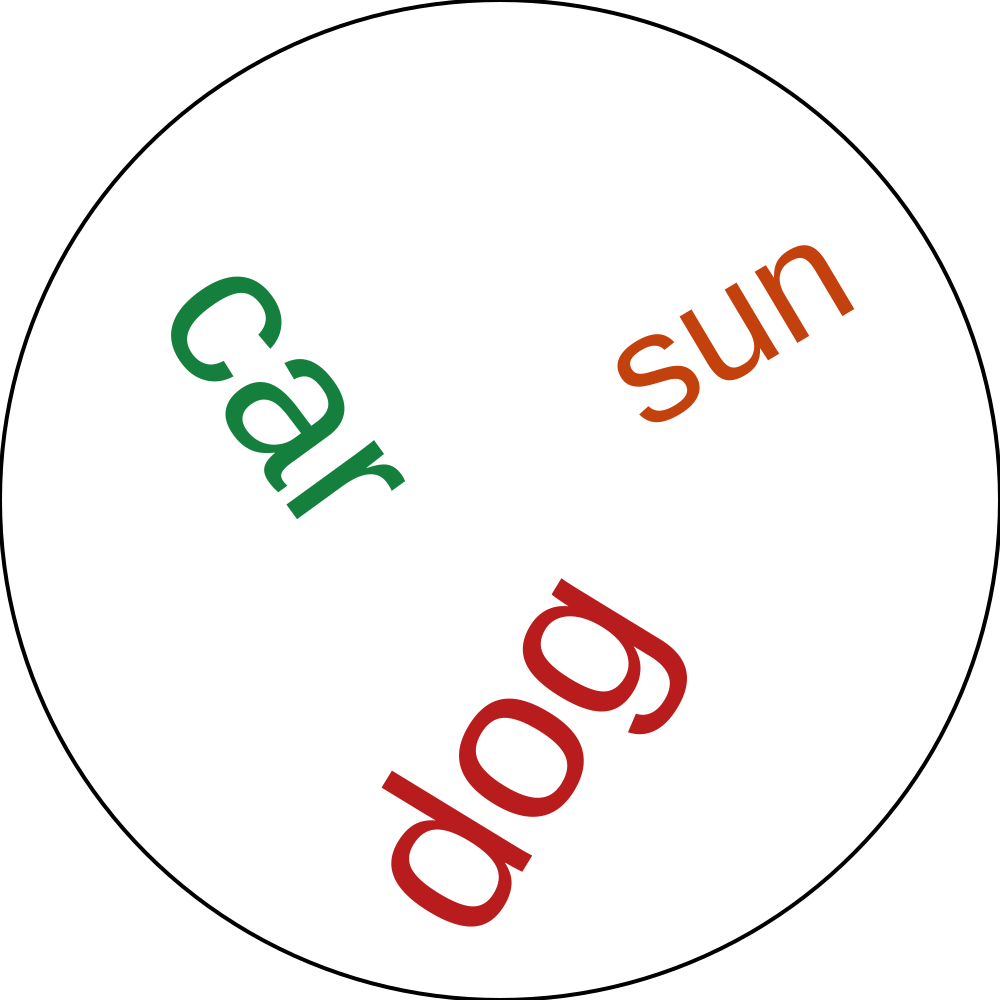
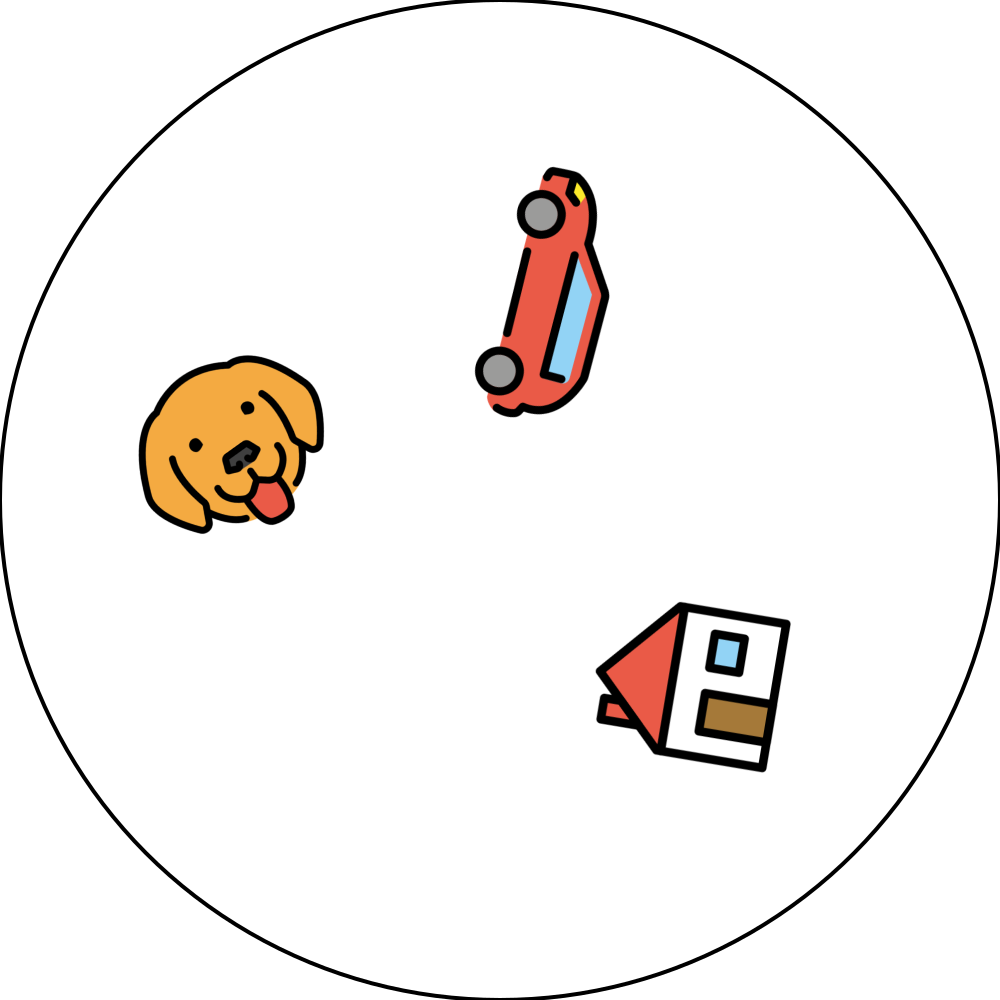
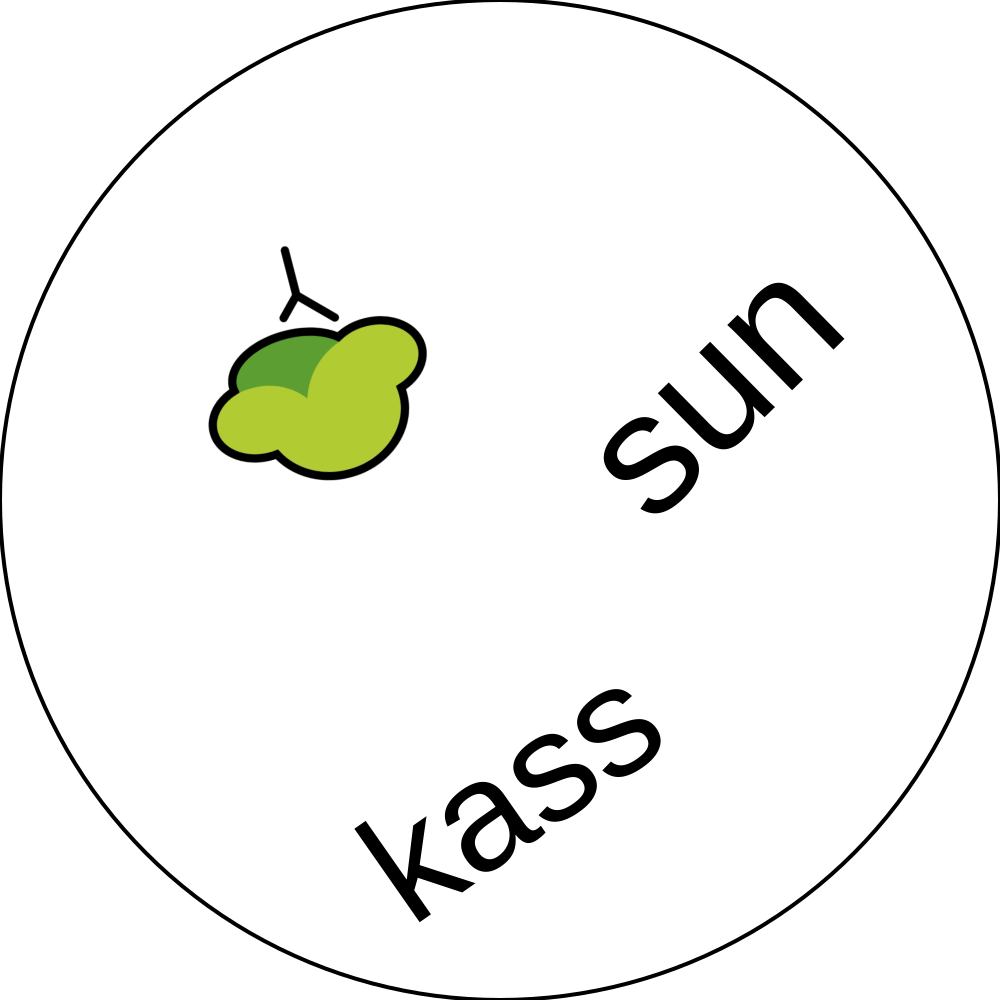
Every pair of cards shares exactly one concept. It might be the same word, the same picture, or a word and its matching picture. Find the shared concept and name it.
Read the game guideCard 1
Card 2
Matching concept: cat
A word-and-picture example. This is a simplified illustration and does not reflect the actual card design.
Add words and images all at once
Use material you prepared earlier, without filling in every card separately.
Paste a whole list at once
Paste words or translation pairs from a list you've prepared, a spreadsheet or a document.
Upload multiple images
Add the images you need in one go.
Automatic image matching
Images with suitable filenames are automatically matched to concepts.
How does image matching work?
If an image filename matches one of your words, Õpilk can assign the image automatically. If no match is found or the match is incorrect, you can assign it yourself. This also works with existing image collections.
Choose the number and design of your cards
Make your cards suit the learning material and your preferred style.
Number of cards
Start with a smaller deck or choose more concepts and more items on each card.
Layout
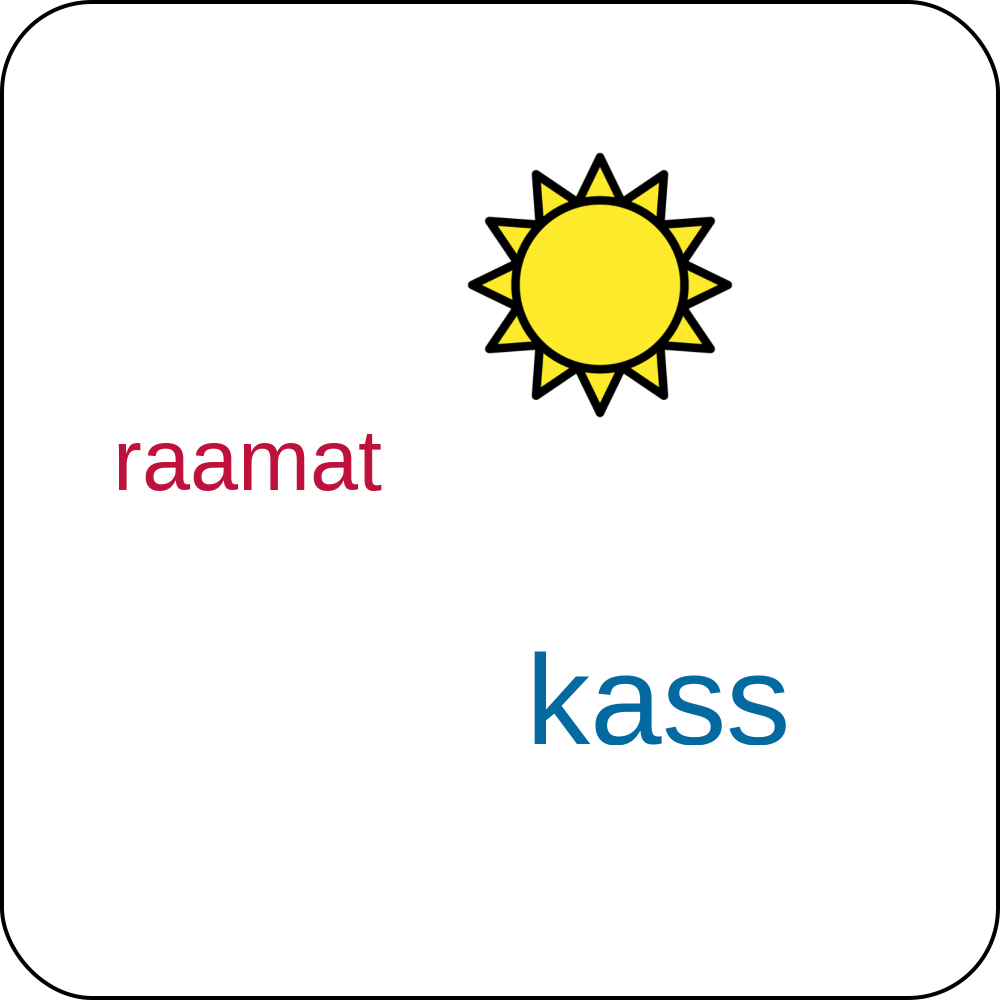
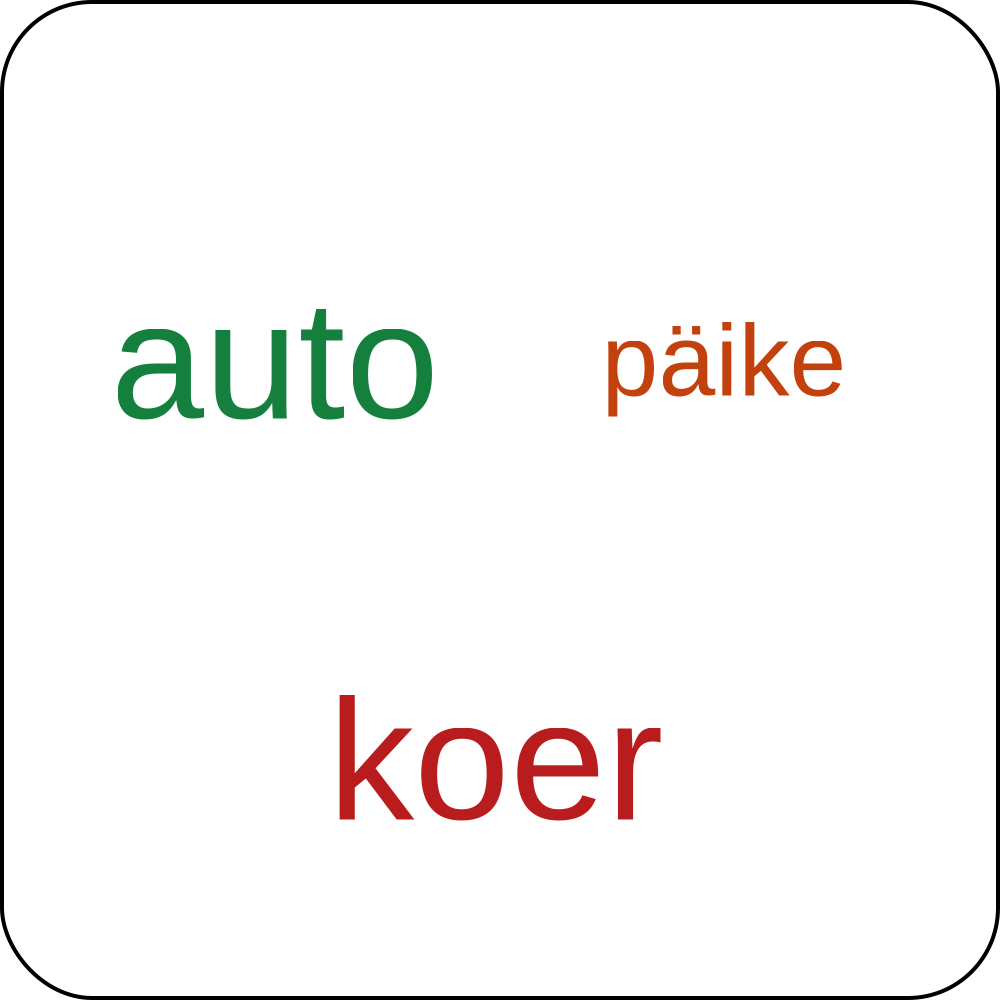
Choose a calmer, clearer layout or a more playful arrangement with varied positions and sizes.
Representations on a card
Use one representation type per card or mix words, translations and pictures. Availability depends on the learning mode.
Text appearance
Choose a classic or playful style, and keep the original letter case or use uppercase or lowercase.
Card shape
Round or rounded square. Choose or change the shape when downloading your PDF.
Card size
Choose the printed diameter or side length when downloading your PDF.
Three steps to your card deck
Add your content
Enter words, translations or images and choose the deck size.
Design and check
Choose a style and preview your cards for free.
Buy and download
Add the deck to your basket, then download the printable PDF after payment.
Print them yourself or order finished decks
Print your purchased PDF yourself or order finished card decks from us.
Print them yourself
Choose the shape and size, then print and cut out your cards. Laminate if you wish.
See how to print, laminate and cut out your cards.
See the guide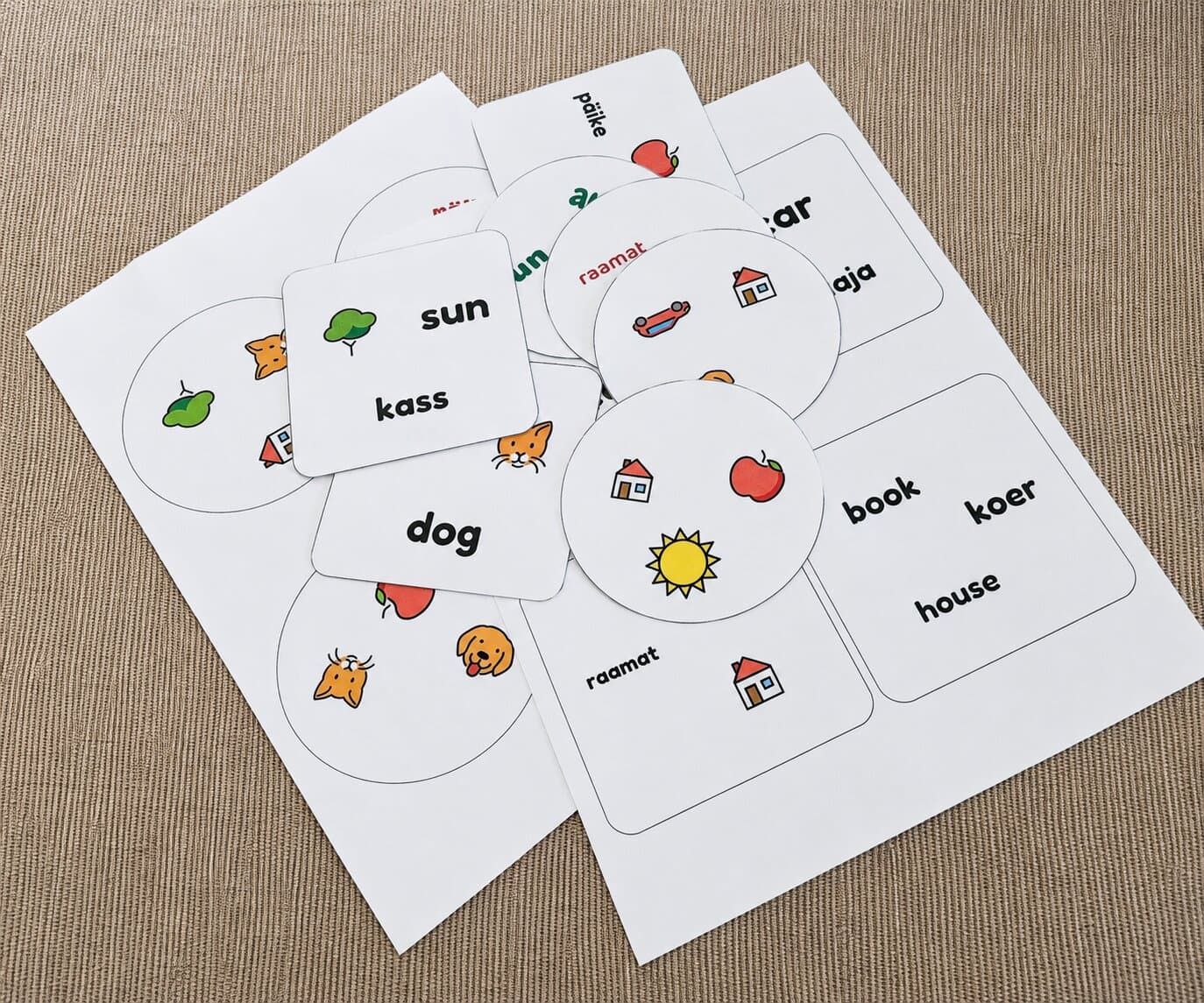
Order finished card decks
Save time making cards yourself. We print the cards, laminate them if you wish, and press-cut them into circles. Each deck is handmade.
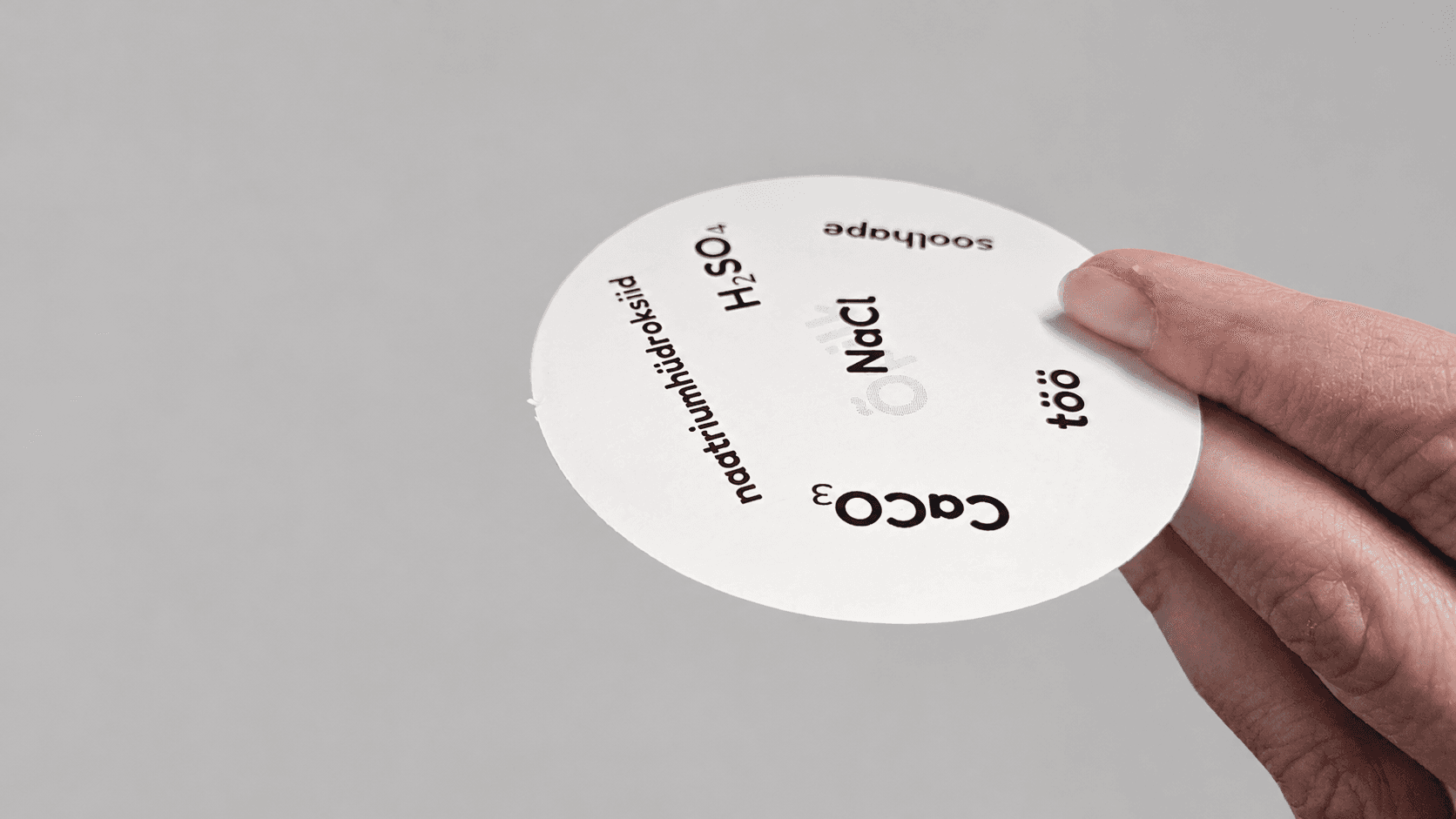
Unlaminated
+€6.76 / deckCards printed on paper and cut into circles.
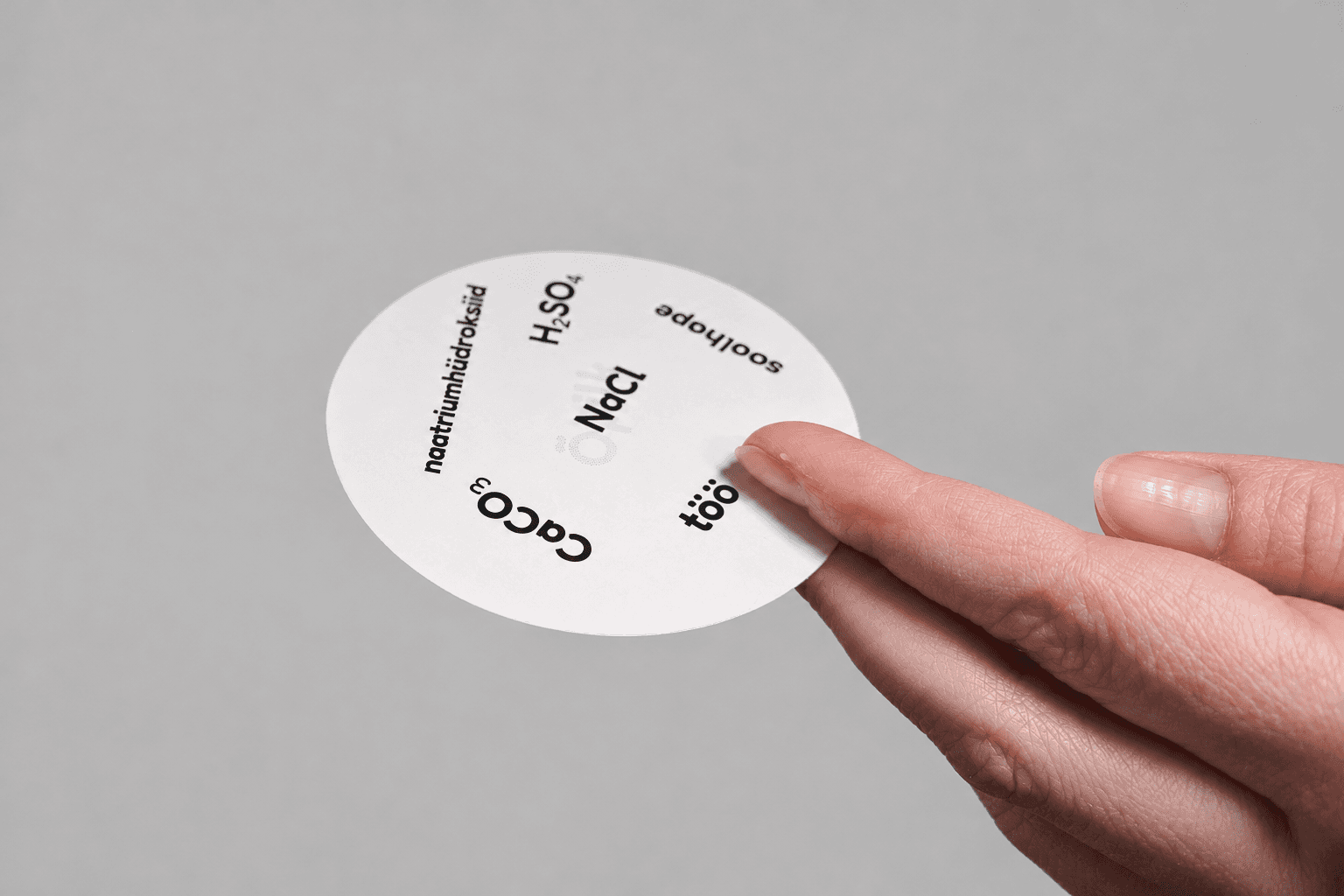
Laminated
+€12.87 / deckCards laminated first, then cut into circles.
Finished-deck prices are added to the PDF price. We confirm shipping costs when you order.
What’s the difference between laminated and unlaminated cards?How to order
First create and buy your card-deck PDF. Then reply to the purchase confirmation email. We will agree on the size, quantity, finish and price by email.
You keep your purchased PDF even if you order finished decks. You can print a replacement for a lost or damaged card.
Create a learning game for your topic
Use your own learning material or prepare a word list with help from our AI guide.